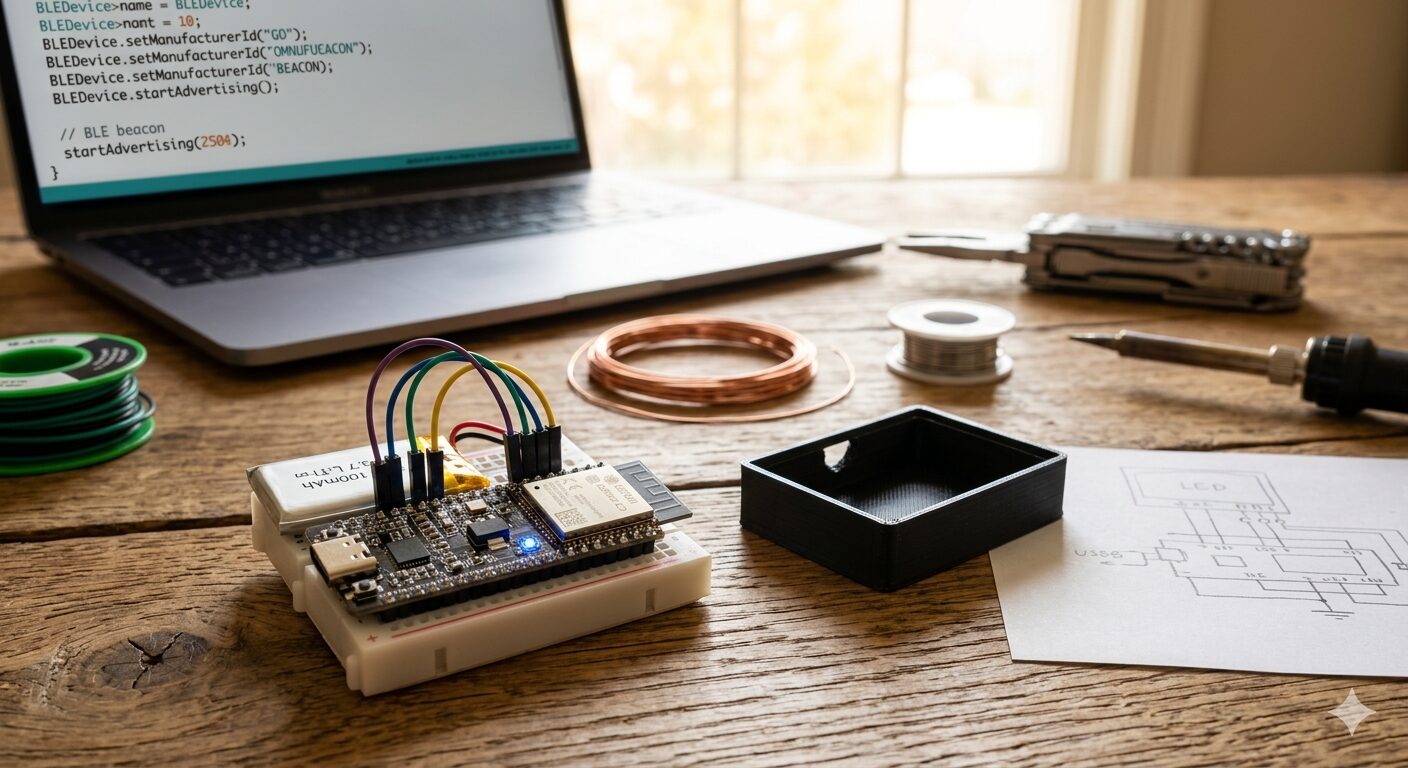
The Problem: A World of Digital Fences
We’ve all been there. You buy a set of expensive tracking tags, only to realize that switching phone ecosystems makes them useless. Apple, Google, and Samsung all have their own “Find My” networks, but they rarely play nice together.
The Omni-Beacon is a DIY, open-source gadget designed to be the “universal translator” of the tracking world. By using a customizable Bluetooth Low Energy (BLE) stack, we can create a tag that broadcasts a signal any smartphone can detect.
Phase 1: The Blueprint
To build this, we use the ESP32-C3. It is a tiny, powerful microcontroller that supports Bluetooth 5.0 and is small enough to fit on a keychain.
What you’ll need:
- ESP32-C3 SuperMini: The brain of the operation.
- TP4056 Charging Module: To safely charge the battery via USB-C.
- 3.7V LiPo Battery (100mAh): To keep it powered for months.
- Breadboard & Jumper Wires: For testing before you solder.
Phase 2: Wiring the Hardware
The goal is to create a circuit that allows the battery to power the ESP32 while also being rechargeable.
- Power Input: Connect the Battery (+) to the B+ on the TP4056 and Battery (-) to the B-.
- Power Output: Connect the OUT+ from the TP4056 to the VCC/5V pin on the ESP32.
- Grounding: Connect the OUT- from the TP4056 to the GND pin on the ESP32.
Phase 3: The “Omni” Logic (The Code)
We use the Arduino IDE to program the ESP32-C3. The code below tells the device to broadcast a unique UUID (Universally Unique Identifier). This makes the device visible to any BLE scanner app on any smartphone.
C++
#include <BLEDevice.h>
#include <BLEUtils.h>
#include <BLEBeacon.h>

void setup() {
  BLEDevice::init("OmniBeacon");
  BLEAdvertising *pAdvertising = BLEDevice::getAdvertising();

  BLEBeacon oBeacon = BLEBeacon();
  oBeacon.setManufacturerId(0x4C00); // Mimics common beacon protocols
  oBeacon.setProximityUUID(BLEUUID("12345678-1234-1234-1234-1234567890AB"));

  BLEAdvertisementData oData = BLEAdvertisementData();
  oData.setFlags(0x04);
  oData.addData(oBeacon.getData());

  pAdvertising->setAdvertisementData(oData);
  pAdvertising->start();
}

void loop() {
  // Device stays in broadcast mode
  delay(1000);
}
Phase 4: Tracking Your Device
Once powered on, your Omni-Beacon is invisible to the naked eye but loud in the digital world. To find it:
- Download a BLE Scanner app (like nRF Connect) on any Android or iOS device.
- Scan for nearby devices.
- Look for “OmniBeacon” or your specific UUID.
- The app will show the RSSI (Signal Strength)—the closer you get to the gadget, the stronger the signal becomes.
Final Thoughts
The Omni-Beacon lives in the gap where consumer demand meets corporate restriction. It’s a tool for the curious and the privacy-conscious, proving that you don’t need a “walled garden” to keep track of your most important belongings.
© 2026 The Digital Notebook | Built by Makers, for Makers.

Leave a Reply