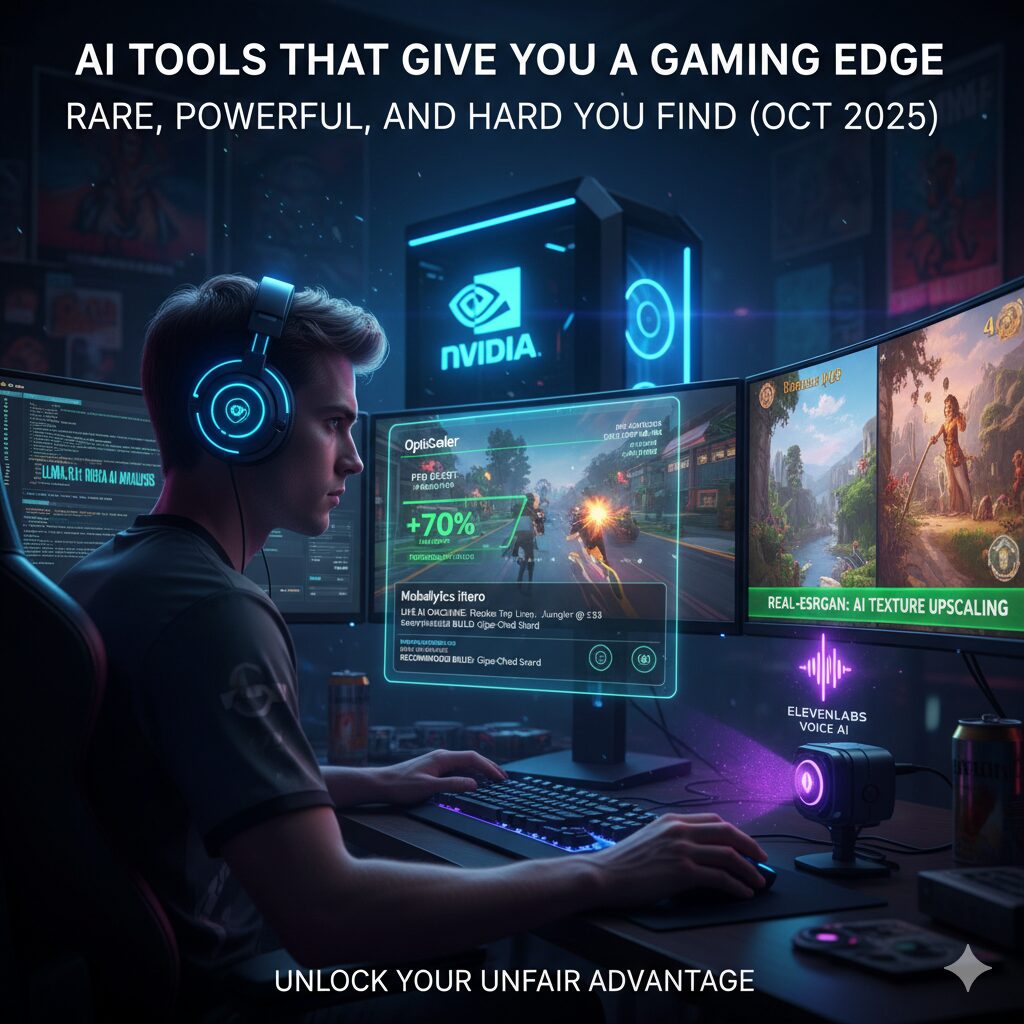
AI Tools That Give You a Gaming Edge — Rare, Powerful, and Hard to Find (Oct 2025)
Want the unfair edge that separates casual players from grinders and streamers? The secret isn’t a cheat — it’s AI. In the last 14 days, a handful of niche AI tools, overlays, and local model hacks have surfaced (or matured) that actually move the needle — better FPS through frame-gen tricks, pro-level coaching overlays, local LLMs for live analysis, cinematic NPC voices, and texture upscalers that make old games look brand-new.
1) OptiScaler — Enable Frame-Gen / Swap Upscalers in Unsupported Games
What it does: Lets advanced users force/replace upscalers (DLSS/FSR/XeSS) and even enable frame generation in some titles that don’t officially support it. This can massively smooth low-FPS games without needing brand-new hardware.
Why it’s rare/dangerous: It’s a community tool that modifies rendering paths — not all games tolerate it, and anti-cheat systems can block such hooks. You need technical confidence and the right GPU.
How to try: Read the OptiScaler GitHub, follow strict install steps, test offline first, and avoid competitive servers until you confirm it’s safe for a game.
2) Real-ESRGAN (and ESRGAN variants) — AI Texture Upscaling for Mods
What it does: State-of-the-art image/video super-resolution for turning low-res game textures into crisp 2K/4K-like assets — perfect for remaster mods (Skyrim, Fallout, older RPGs).
Why it’s rare: The model is public but packaging it into ready-to-drop texture packs that work with a specific game requires modding skill and careful tuning; good packs are scarce.
How to try: Use Real-ESRGAN repos/tools to generate upscaled textures, then follow Nexus/Reddit mod guides for repacking. Expect long GPU jobs and iteration.
3) Mobalytics & iTero — Real-Time Coaching Overlays
What it does: AI overlays that analyze your live match data, highlight weaknesses, recommend builds, and even offer macro/rotation advice mid-game. Overwolf hosts several niche AI coach apps (iTero, DeepRivals, Mobalytics overlay) that are evolving fast.
Why it’s rare: The best overlays are published inside app stores (Overwolf) and many top-performing plugins are invite-only or paid/subscription; good ones combine huge pro datasets and ML for personalized tips.
How to try: Install official Overwolf + the Mobalytics or iTero apps, connect accounts, and use their free trial / subscription levels. They’re safe for most games that permit overlays.
4) ElevenLabs & Respeecher — Pro-Quality TTS and Voice Cloning for NPCs, Stream Skits
What it does: Generate natural, high-fidelity voices for NPC lines, stream character voices, or dynamic TTS with emotion and pacing that sounds real. ElevenLabs and Respeecher are widely used by creators and devs.
Why it’s rare: Licensing & cost — the best voices often require paid tiers and careful legal checks if you clone real voices. But the quality is studio-grade.
How to try: Test ElevenLabs’ gaming TTS demos or Respeecher’s game-focused workflow; use short scripts and adjust prosody to avoid the “robotic” feel.
5) Llama.cpp — Run a Small LLM Locally to Analyze Replays & Give Live Tips
What it does: A tiny local LLM (llama.cpp, LocalAI) ingests your replay/telemetry and returns tactical advice, micro-mistake explanations, or simple voice prompts — all without sending data to the cloud. Great for privacy and instant feedback.
Why it’s rare: Technical barrier: you must run models locally, wire them into an overlay, and craft prompts that actually produce useful gaming advice — not hallucinations.
How to try: Start with llama.cpp guides and small models (e.g., Mistral 7B), use a lightweight overlay or a small local web UI, and iterate prompts to target replays (there are community guides).
6) AimLab + AI-Tuned Profiles — Personalized Aim Trainers
What it does: AI-driven trainers that analyze your aim, reaction, and tracking, then generate tailored drills to fix specific weaknesses. Top players use exported pro profiles to accelerate gains.
Why it’s rare: The tool is public, but pro-calibrated profiles and prompt tuning (which drills to run when) are guarded by coaches — those profiles are the secret sauce.
How to try: Use AimLab, export/import pro profiles, and track progress with their analytics dashboard. Combine with sleep/ergonomics for best results.
7) NVIDIA G-Assist / Project G-Assist — System-Aware AI Assistant & Plugins
What it does: Local AI assistant that can analyze your PC, recommend game-specific optimizations, and run plugins (Discord, Twitch, streaming helpers). It’s increasingly able to manage GPU features like Smooth Motion and global DLSS overrides.
Why it’s rare: It’s new and vendor-specific (NVIDIA), and the plugin ecosystem is growing — not every user has access to optimized plugins or the required RTX hardware.
How to try: Install NVIDIA’s app (if you have a compatible RTX GPU) and explore G-Assist and plugin options in the beta channel; keep drivers updated.
8) Overwolf Micro-Apps for Niche Value (DeepRivals, TeamGap, Custom Meta Tools)
What it does: Tiny apps that solve hyper-specific problems: role swaps, draft suggestions, timeline analyzers, auto-highlights, and even small team-chemistry analytics. Many are free or paid inside Overwolf.
Why it’s rare: The best micro-apps are buried inside Overwolf app listings or exclusive Discord dev communities — not front-page news.
How to try: Browse Overwolf’s “by game” store and search for keywords like “coach,” “overlay,” or the game ::contentReference[oaicite:4]{index=4}
AIGamingEdge #GameAI #OptiScaler #RealESRGAN #Mobalytics #iTero #ElevenLabs #Respeecher #LlamaCPP #AimLab #NVIDIAGAssist #Overwolf #ProGamerTools #GamingSecrets #AIOverlays #GameEnhancement #GamingTools #LevelUpGaming #NextGenGaming #SmartChoiceLinks

Leave a Reply