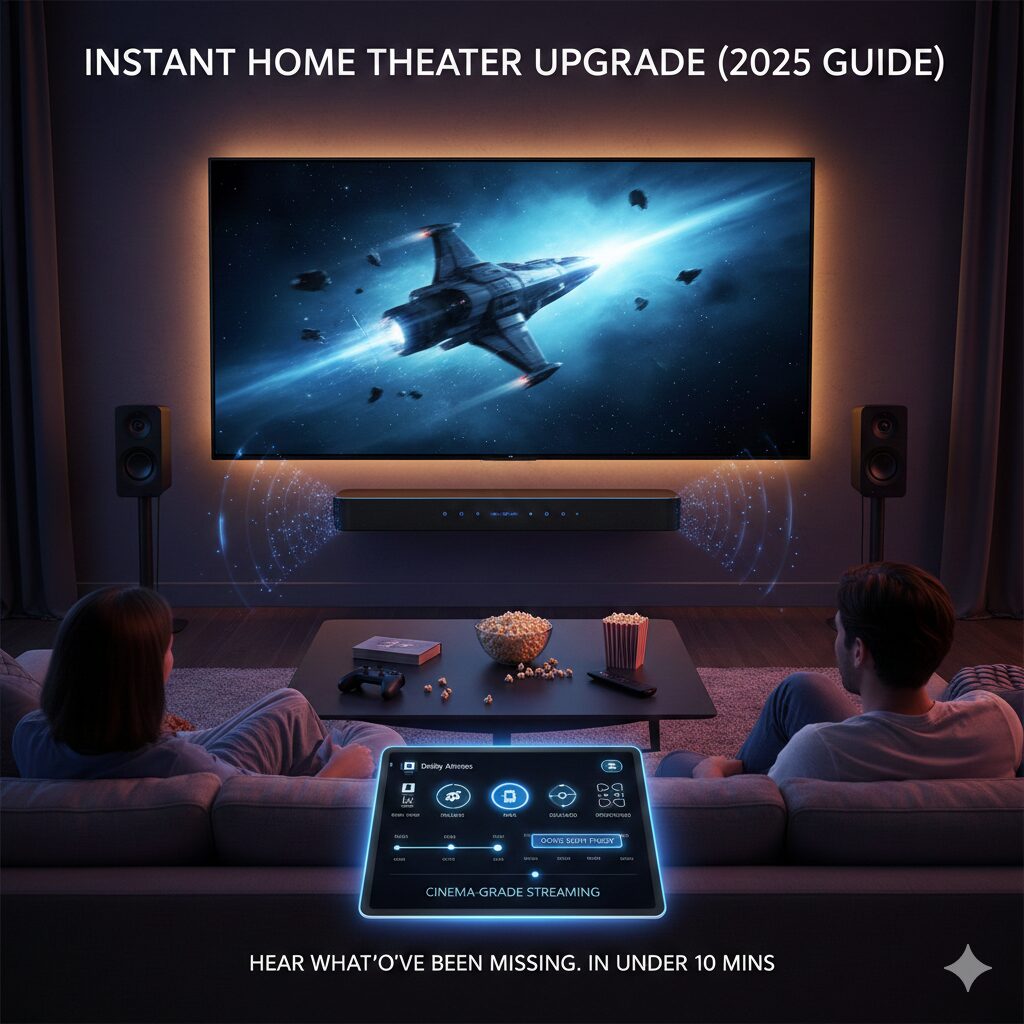
How to Instantly Upgrade Your TV & Soundbar for Cinema-Grade Streaming (2025 Guide)

Modern streaming releases are mastered with incredibly high audio detail — but most viewers hear only a fraction of what sound designers intended. Dialog often sounds weak, bass lacks impact, and surround effects feel flat. A few small adjustments can completely transform your viewing experience, even with a mid-range TV or soundbar.
Step 1: Choose the Correct TV Audio Output Mode
Most TVs ship with processing features that reduce quality. For cinematic sound, use a pass-through mode so your soundbar or AVR handles decoding.
- Digital Audio Output:
PassthroughorAuto - HDMI Output Mode:
eARC (preferred)/ARC (fallback) - Audio Codec Priority: Dolby Atmos / Dolby Digital+
- Disable: Virtual Surround, Adaptive Sound, Clear Voice Enhancers, Auto Volume Leveling
Step 2: Optimize Your Soundbar or AVR Settings
This is where the biggest upgrade happens.
- Sound Mode: Movie / Cinema / Dolby Atmos
- Surround Processing: On
- Dialog Enhancement: Set to
+1or+2only - Bass: Increase
+2 to +4for film releases - Treble: Neutral (
0) for accuracy - Rear Channels: Set to 70–80% of front levels for immersion
Common mistakes: setting Bass to maximum (muddiness), over-boosting Dialogue (artificial), using Music mode instead of Movie/Cinema.
Step 3: Quick 3-Point Listening Test
- Dialog Clarity Check: First speaking line should be centered, clean and slightly forward.
- Bass Impact Check: Explosions or hits should be powerful without uncontrolled vibration.
- Surround Engagement Check: Effects should move around you — especially in action sequences.
If a check fails: reduce/raise the corresponding setting by 1–2 points and re-test.
Step 4: Set the Correct TV Picture Mode for Films
Picture settings affect perceived audio timing and motion. Use settings that preserve the filmmaker’s intent.
- Picture Mode: Cinema / Filmmaker Mode
- Motion Smoothing: OFF
- Color Tone: Warm 1
- Sharpness: 0–10 (not higher)
Step 5: For Dolby Atmos Setups — Verify Height Channels
If your soundbar supports Atmos (up-firing or discrete), confirm overhead effects are present.
- Listen for raindrops, air-whooshes or ambience above your head
- If absent: increase Height Channel Level by +2, angle the bar upward slightly, or move it 5–10 cm forward
Step 6: Save a “Movie Night” Preset
Once balanced, save a dedicated preset (e.g. Movies 2025) for streaming films and series. Use default mode again for news or casual TV.
Final Tips for Maximum Immersion
- Sit centered to the TV — off-axis seats reduce clarity.
- Keep the soundbar’s front unobstructed (never behind décor).
- If using an AVR, match speaker distances precisely.
- Increase volume for films — cinematic mixes are designed to be played loud.
Conclusion
With a few adjustments, any home setup — even a simple TV + soundbar combo — can deliver stunning, cinema-grade audio. Tune your system before the next big streaming release to hear the full impact of modern mixes.

Leave a Reply