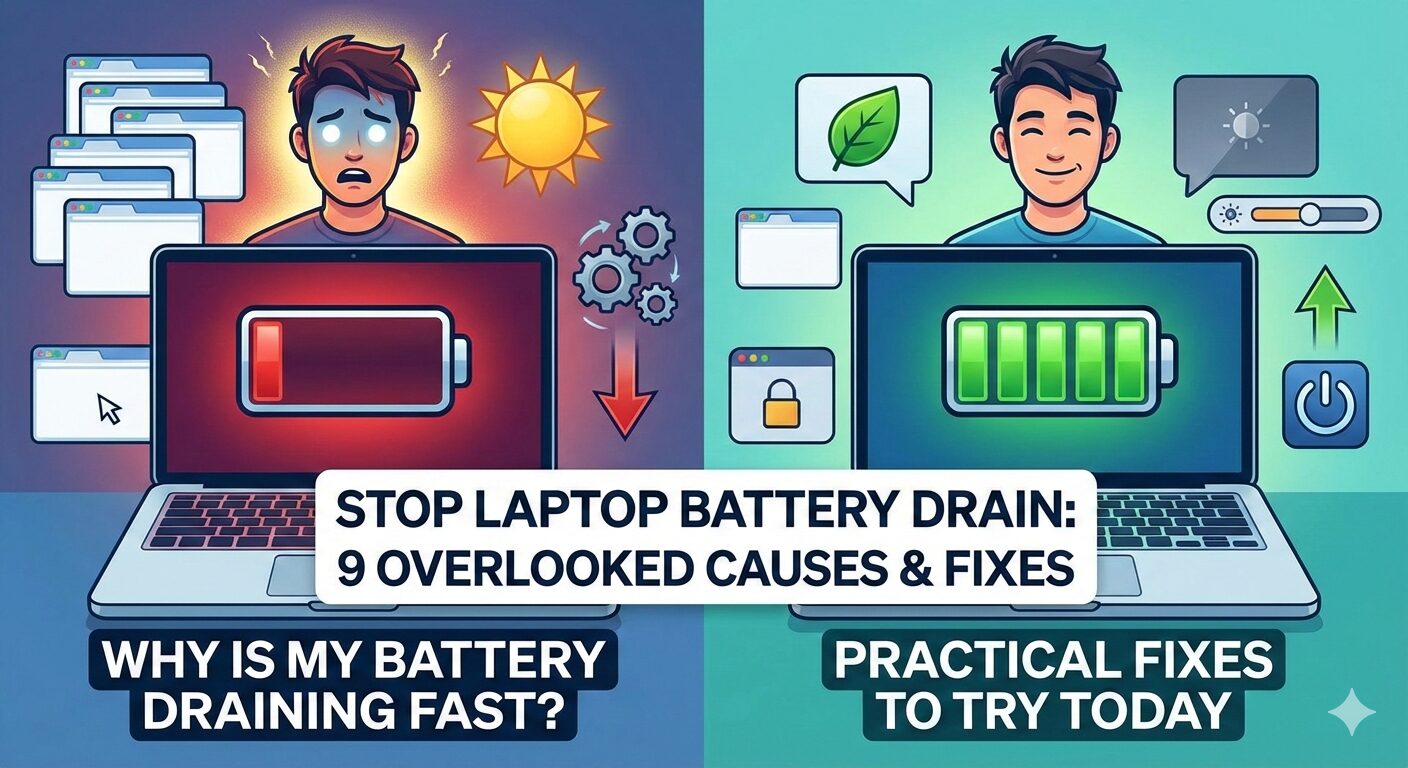
If your laptop battery is draining fast, you’re not imagining things — and you’re definitely not alone. One day your battery lasts for hours, and suddenly it barely survives a meeting or a movie. The good news? In many cases, the battery itself isn’t dead.
Fast battery drain is often caused by hidden software behavior, background processes, or power settings most people never touch. Some of these issues can drain 20–40% of your battery without you noticing.
In this guide, you’ll discover 9 overlooked causes of fast laptop battery drain, along with practical fixes you can apply today — no technical expertise required.
Before You Panic: 3 Things to Check in 60 Seconds
Before diving into deeper fixes, check these quick items. They solve a surprising number of cases.
1. Screen brightness
High brightness is one of the fastest ways to kill battery life. Lower it by 20–30% and check if battery drain slows immediately.
2. Battery usage list
Open your system’s battery or power settings and look for apps consuming unusually high power. One misbehaving app can drain more than everything else combined.
3. Power mode
Make sure your laptop isn’t set to “High Performance.” Switching to “Balanced” or “Power Saver” can instantly extend battery life.
If the battery still drains quickly, continue below.
9 Hidden Reasons Your Laptop Battery Is Draining Fast
1. Background apps you never see
Some apps keep running even after you close them — syncing data, scanning files, or checking for updates.
What to do:
Check your startup and background apps and disable anything you don’t actively use.
2. Broken battery calibration
When battery calibration is off, your laptop may think it has less charge than it actually does — or drain power inefficiently.
What to do:
Let the battery drain to low levels once, then charge it uninterrupted to 100%. This can reset inaccurate battery readings.
3. Fast Startup quietly draining power
Fast Startup helps laptops boot faster, but it can keep parts of the system semi-active even when shut down.
What to do:
Try disabling Fast Startup and see if overnight battery drain improves.
4. Browser tabs behaving badly
Modern browsers, especially with many tabs open, can aggressively consume power — even when minimized.
What to do:
Close unused tabs, disable heavy extensions, and avoid leaving video or social media tabs open.
5. Battery health is worse than reported
Some batteries degrade unevenly. Your system may still show “healthy” status while actual capacity has dropped significantly.
What to do:
Check detailed battery health information to see how much capacity remains compared to when the laptop was new.
6. Sleep mode that isn’t really sleeping
Many laptops continue syncing emails, updates, or cloud files while in sleep mode.
What to do:
If your battery drops significantly while sleeping, switch to hibernation instead of sleep.
7. USB devices draining power
External devices like wireless mice, USB hubs, or external drives can draw power even when idle.
What to do:
Unplug unnecessary devices and test battery life again.
8. Endless system updates
Background updates can run repeatedly if something goes wrong — silently draining your battery.
What to do:
Check whether updates are stuck, paused, or repeatedly retrying in the background.
9. Aging or low-quality charger
A weak charger may fail to supply enough power, causing the battery to drain even while plugged in.
What to do:
Try a known-good charger and see if charging behavior improves.
How to Stop Battery Drain Today (Step-by-Step)
Follow these steps in order — most users see improvement before finishing all of them:
- Lower screen brightness
- Switch to Balanced or Power Saver mode
- Close unused browser tabs
- Disable unnecessary startup apps
- Disconnect external USB devices
- Disable Fast Startup (test results)
- Use hibernation instead of sleep
- Fully charge the battery without interruption
These steps alone can restore hours of lost battery life.
Frequently Asked Questions
Why is my laptop battery suddenly draining fast?
Sudden battery drain is usually caused by software changes, background updates, or new apps running without your knowledge.
Can a laptop battery drain even when turned off?
Yes. Features like Fast Startup or connected USB devices can slowly drain the battery while the laptop appears off.
Does leaving my laptop plugged in damage the battery?
Modern laptops manage charging well, but constant 100% charging can still accelerate long-term battery wear.
When should I replace my laptop battery?
If battery capacity has dropped below 70% of its original capacity, replacement may be worth considering.
Final Thoughts
A laptop battery that drains fast doesn’t always mean the battery is failing. In many cases, small software adjustments and power setting changes can dramatically improve battery life.
In the next article, we’ll look at what happens when a laptop is plugged in but not charging, and how to fix it safely.

Leave a Reply