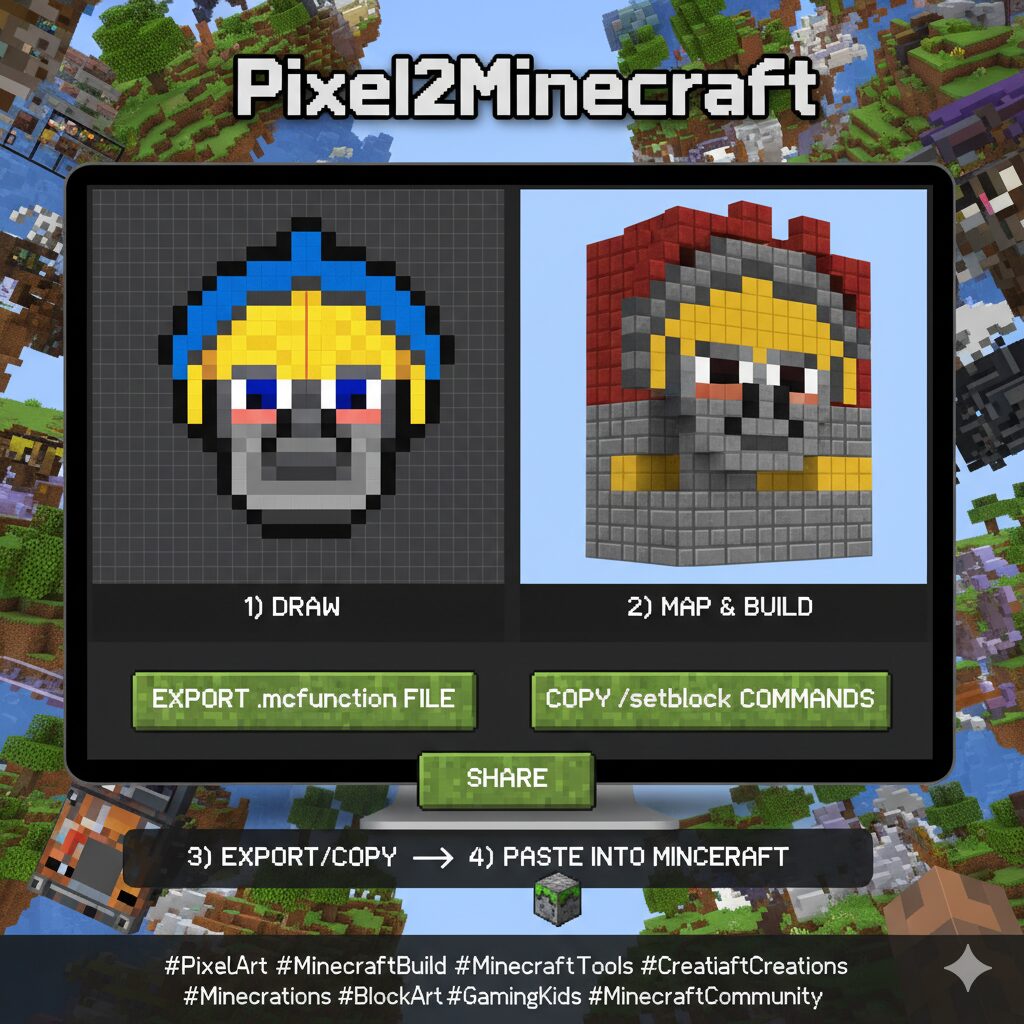
Pixel2Minecraft — Draw and Export
Draw a pixel design on the grid below, choose which Minecraft block each color becomes, then export a ready-to-use .mcfunction file or copy the generated /setblock commands to place the design in your Minecraft world.
How it works
1) Draw → 2) Map each color to a block → 3) Export or copy commands → 4) Paste into Minecraft
- Export: creates a
.mcfunctionfile containingsetblockcommands. - Share: uses a link that preserves your drawing and block mapping (no data uploaded).
- Block names: use valid Minecraft block IDs such as
red_wool,white_concrete,stone.
Note: the tool is client-side only — nothing is sent to a server; share links store the design in the page URL (hash).
Minecraft #PixelArt #MinecraftBuild #MinecraftTools #CreativeMode #MinecraftCreations #BlockArt #GamingKids #MinecraftCommunity #BuildInMinecraft #MinecraftFun #SmartChoiceLinks
Disclaimer: This is an unofficial fan-made tool and is not affiliated with or endorsed by Mojang Studios or Microsoft.

Leave a Reply